01
Request arrives
Every incoming message is picked up automatically, in French or English, with its history attached.
AutomatedA Québec motorhome and travel-trailer maker with more support requests than people to read them. We automated the desk: every request categorized and prioritized on arrival, and a reply already drafted from the company's own documentation — with a human still deciding what gets sent.
Engagement
From scratch
Where it runs
Inside the business
Auto-send
Never
Languages
EN / FR
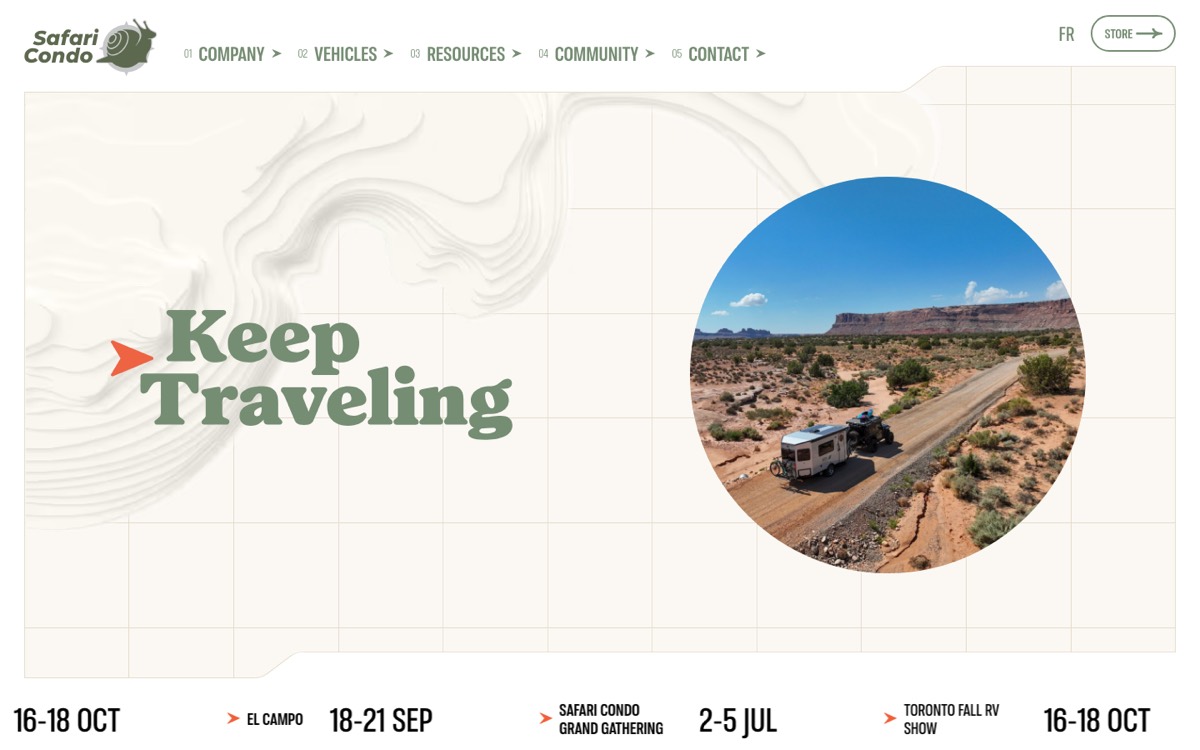
The system runs inside the business — the client's public site is shown.
The brief
Safari Condo builds motorhomes and travel trailers in Québec. Its owners are on the road, and when something needs an answer they write in — about a system in the vehicle, a part, a service appointment, a warranty question.
The answers almost always existed already: in the internal service documentation the team maintains, or in the public documentation owners have access to. What didn't exist was the time to find them, request by request, while the volume kept arriving.
How we framed it
The desk didn't need a chatbot in front of the customer. It needed the answer already on the agent's screen.
What was actually at risk
A vehicle maker cannot afford a plausible-sounding answer about a propane system or a warranty term. So the risk we designed against wasn't slowness — it was a system that invents.
What we built
The desk the team already used stayed the desk. We put a layer underneath it that does the reading, sorting and drafting — so the first human action is a judgement, not a search.
01
Every incoming message is picked up automatically, in French or English, with its history attached.
Automated02
It's classified against the categories the team actually works in — service, parts, warranty, sales, general.
Automated03
Urgency is scored, so someone stuck on the road doesn't sit behind a brochure request.
Automated04
The relevant passages are pulled from internal and public documentation, and a reply is drafted with the sources named.
Automated05
The agent reads, edits if needed, and sends. Nothing goes to a customer on the system's own authority.
HumanWhere the answers come from
The company's knowledge was split: what the service team keeps for itself, and what owners are given. A useful answer needs both — but they can't be treated the same way in front of a customer.
Internal
Public
The reply lands in the agent's queue already written: the customer's question restated, the procedure quoted from the documentation that covers it, the next step spelled out — and, where the internal notes say the case needs a technician rather than an instruction, that recommendation instead of an answer.
Sources cited in-draft · internal service doc + public owner manual · agent can open both before sending
The guardrails
Automation is only worth having if the failure modes are closed off first. These constraints were part of the spec, not an afterthought.
Every draft is grounded in the company's documentation and names what it used. If the documentation doesn't cover it, the draft says so and routes it to a person instead of inventing.
The system prepares; the team decides. Every customer-facing message is read and sent by a person, which is what makes the speed safe to use.
Internal service knowledge can shape a reply, but only public documentation is quoted to owners. The boundary is enforced in the retrieval layer, not left to prompt wording.
The path
We started from the requests the team had actually received, and measured every step against what a good agent would have replied. Technology second, intent first.
The result
A support desk where the sorting, the ranking and the first draft are already done — and where every answer a customer receives was still chosen by a person.
For the customers
Faster first replies, and answers that match the documentation for their vehicle instead of a general guess.
For the team
No more searching two sets of documentation per request. The work that's left is the judgement — which is the part they're good at.
For the business
Volume absorbed without adding headcount, and a live map of what owners keep asking — which is a product signal, not just a support one.
Your turn
Safari Condo is one case. The method — start from the real work, ground every answer, keep a human on the send button — is how we run every AI build.
Reading, sorting, ranking and retrieving are where the hours go. Automating those is safe, measurable, and usually enough.
Answers come from what your business has written down, cited so anyone can check. That's what makes the output defensible.
We check that the system does what you actually meant — and that it keeps doing it as products, parts and policies change.
Before you book
No. It prepares — categorizes, prioritizes, retrieves and drafts — and your team sends. That single constraint is what makes support automation safe in a business where a wrong answer has consequences. If you later want selected categories auto-sent, that's a decision you make with evidence in hand, not a default.
Then the draft says the documentation doesn't cover it and routes the request to a person. Not answering is a supported outcome — that's the difference between a grounded system and a confident one.
Internal and public sources are ingested and retrieved as separate sets. Internal knowledge can inform the reply and tell the agent what's really going on; only public documentation gets quoted to the customer. The boundary lives in the retrieval layer, so it isn't relying on the model behaving well.
No. Safari Condo kept working in the desk they already had — the automation runs underneath it. Replacing the tool your team knows is usually the most expensive way to get the least benefit. See Build & Integrate for how we connect to what's already there.
It's measured against your real request history, and against how your team would have sorted the same mail. Misroutes are reviewed and the rules adjusted. The edits your agents make to drafts stay the ongoing quality signal after launch.
Yes — bilingual by requirement, not by translation afterwards. Requests arrive in either language, documentation is indexed in both, and drafts come back in the language the customer wrote in.
The documentation is re-indexed, and because every draft names its source you can see immediately when an answer is coming from something out of date. Keeping an AI system aligned over time is the whole point of Coherence & Security.
Ready when you are
Tell us what lands in your inbox every day. We'll show you which part of it can be automated safely — and which part should stay human.
01
A short call
You describe the volume, the categories, and where the answers currently live.
02
Intent, then spec
We write down what the system must do — and what it must never do — before any of it is built.
03
A working slice
Triage first, running against your real mail, so the value shows up before the full build does.
Same problem, your inbox?Triage and drafts automated, sending stays human.
Book a call